 User Guide
Canvas
Available since Trilium v0.52.
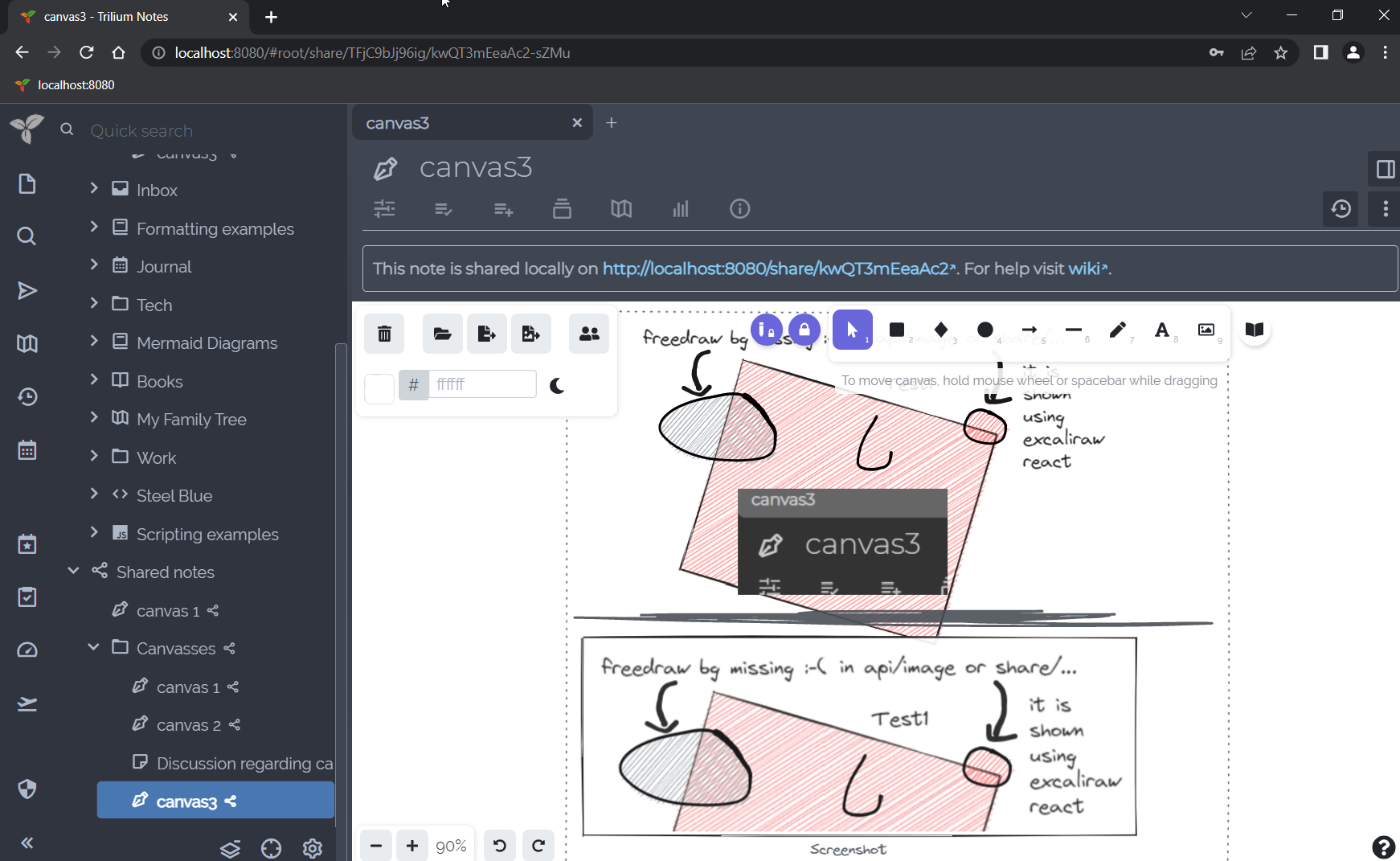
Canvas notes use the Excalidraw library to allow handwritten notes with mouse, pen or touch on an infinite canvas. It also supports basic diagramming, text and graphics input.
Interaction#
- The note can be togged read-only from the Floating buttons section.
Embedding notes#
Since v0.104.0, Canvas supports embedding notes in a similar fashion to the Include Note functionality for Text notes.
To embed a note:
- From the Note Tree, drag the item onto the canvas.
- Manually, by choosing More tools → Web Embed and pasting the link to the note (e.g.
root/MujWAc9fQ1nj).
Embedding notes in the canvas follows the same rules as Include Note: some notes are rendered as images (e.g. Mind Map), whereas some render fully interactive such as Collections.