 User Guide
Note Icons & Colors
Icons#
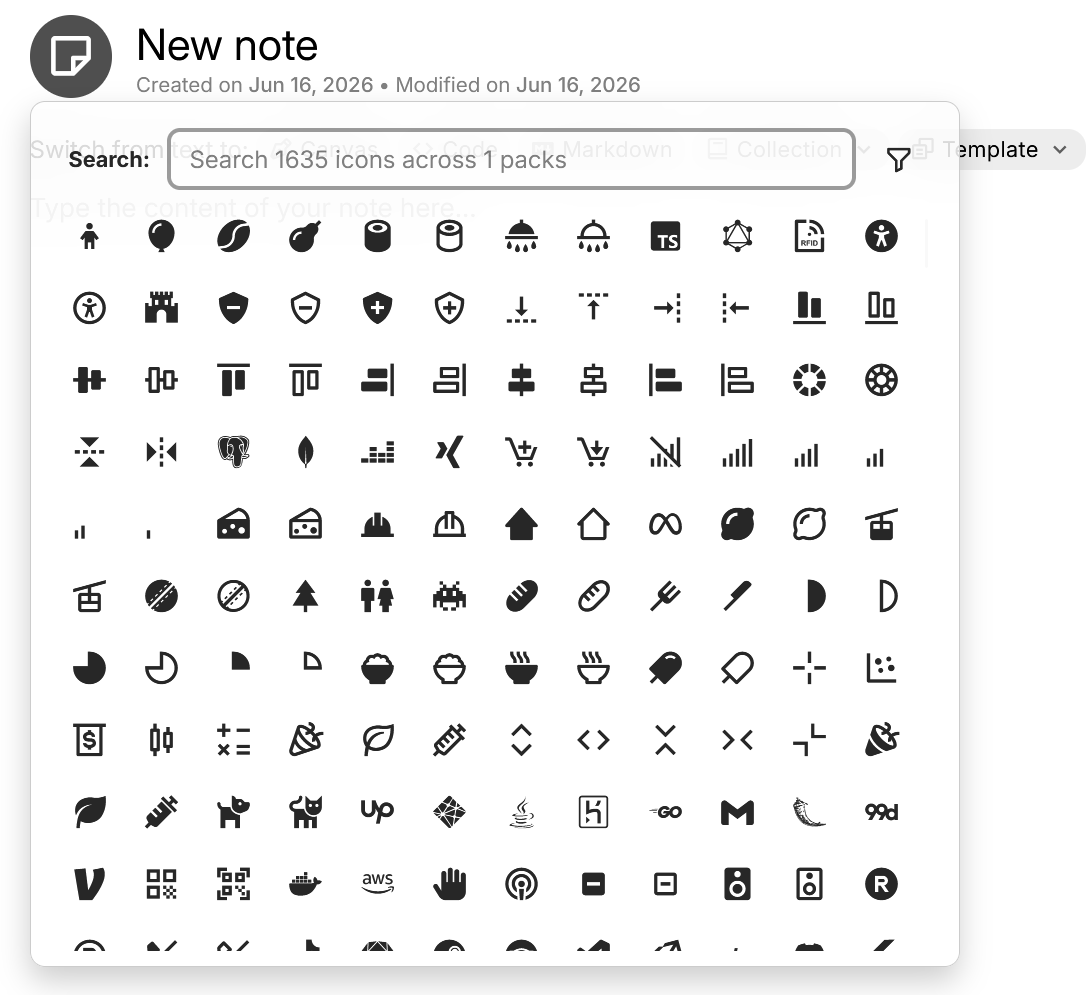
Icons are useful for distinguishing notes and are displayed near the note title, as well as in various places such as the Note Tree, Internal (reference) links or the Jump to & command palette.
While editing a note, click on the icon next to the title to bring up a chooser gallery.
Icons can be inherited through the use of Templates, or Attribute Inheritance.
Colors#
Notes can also carry a custom color. Similar to the note icon, this color will be shown in various places such as the Note Tree and Internal (reference) links.
To set a custom color, right click on the note in the Note Tree and select a predefined color from there or use the color picker (last option).
Alternatively, a custom color can be set manually through the #color label, whose value must be a valid hex color including the leading # (e.g. #ff0000 for red). This color can be carried over across multiple notes via Attribute Inheritance.