 User Guide
Dashboard
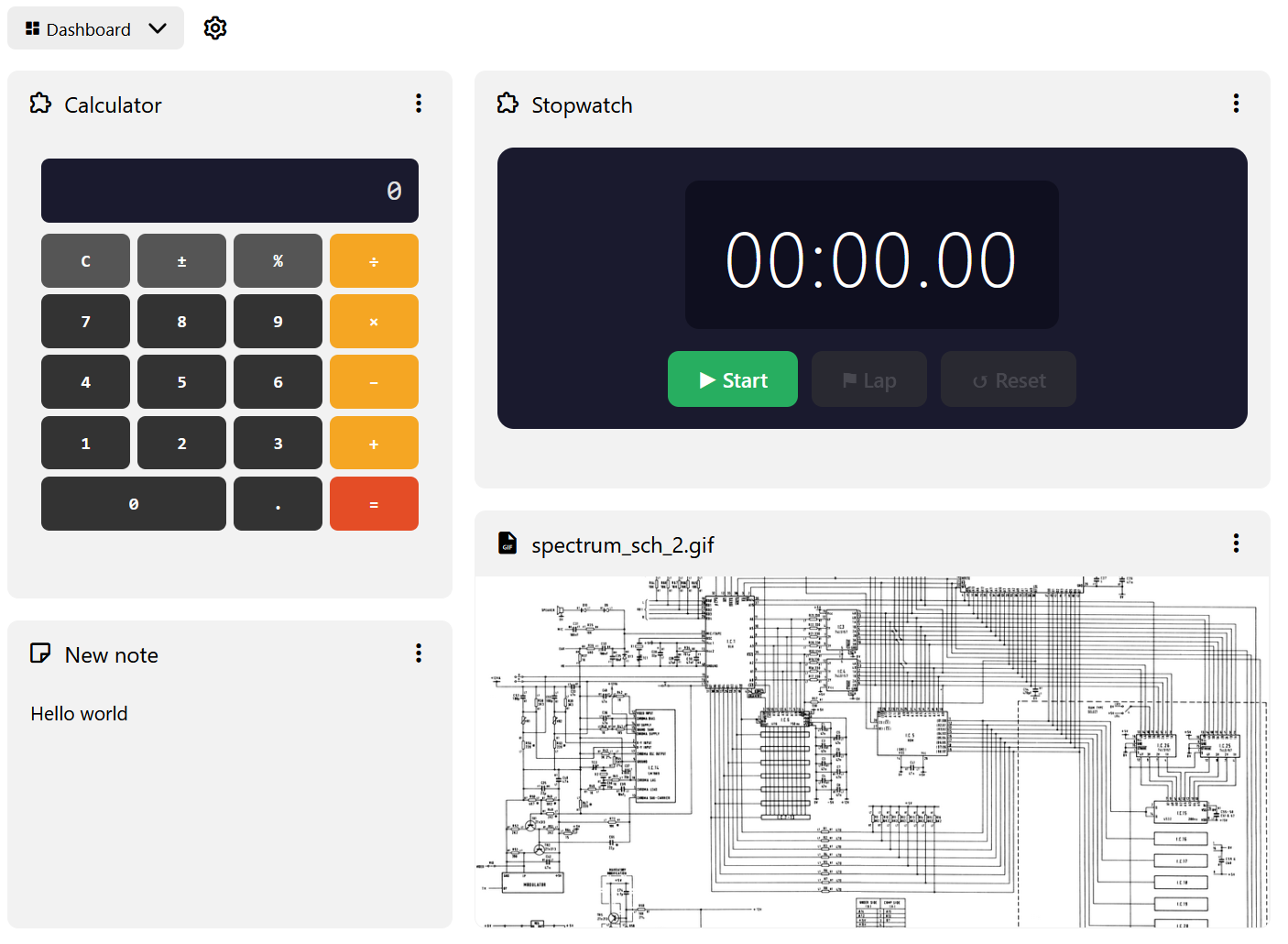
The dashboard is a collection introduced in Trilium v0.104.0. It is similar to the Grid View collection, but with some key differences:
- The grid layout is not fixed, allowing for tiles of varying widths and heights. The grid has 12 columns and an unlimited number of rows.
- Each widget represents a child note of the collection and can be reordered or resized.
- The grid will distribute the columns evenly to fill the entire screen.
- If the available space is too low (e.g. in a split or in mobile), the columns are collapsed so that all widgets are displayed one under the other.
- While the columns are collapsed, the widgets cannot be reordered or resized.
- Unlike the Grid View, the widgets are not clickable which allows them to be interactive.
Types of widgets#
The dashboard uses the same rendering mechanism as the Grid View or the Note List, which means every note can be rendered, such as:
- Static content, via Text or Code.
- Images via File, Mermaid Diagrams, Mind Map.
- Interactive widgets via Render Note.
Adding new widgets#
There are two ways to add widgets to a dashboard: